
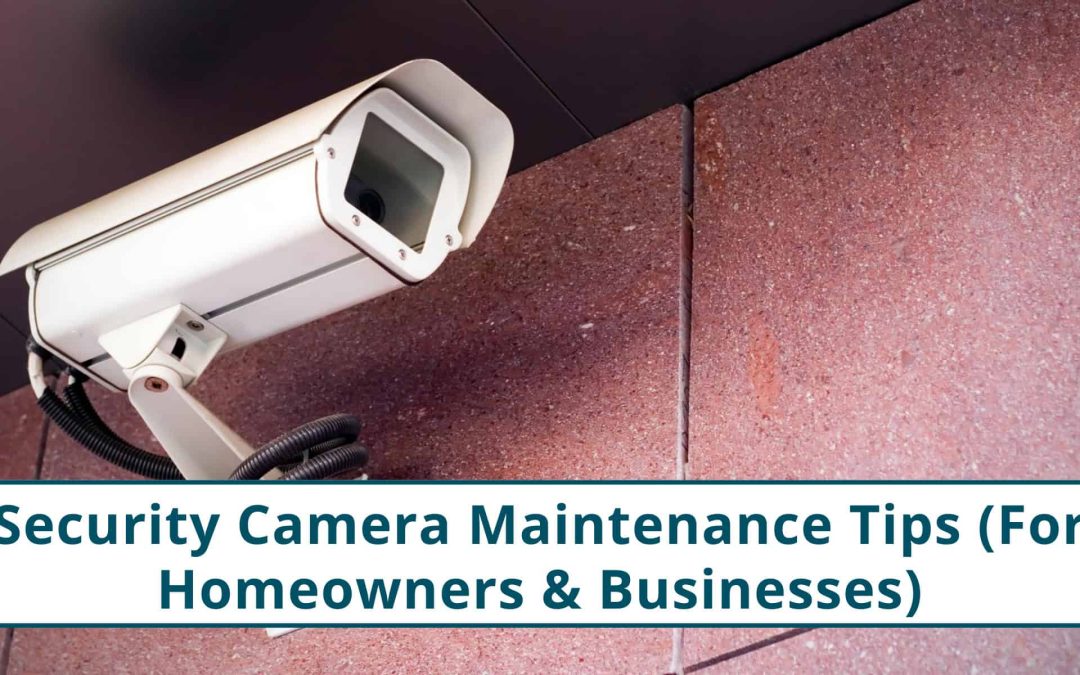
A lot of homeowners and business owners forget about their security cameras once they’re installed, until something happens.
Here’s the thing: When cameras fail, they usually fail when you need them. A fogged lens, a loose bracket, and a blown power supply after a storm may not seem like a big deal until the footage is unusable.
In a city like Houston, regular maintenance of security cameras is a must; the climate alone can shorten the life of your equipment if you don’t have a maintenance schedule.
Why Maintenance Matters More In Houston
Unlike cooler or drier climates, Houston hits cameras with a lot more stress:
| Houston Factor | What It Does To Your Cameras |
| Heat | Weakens wiring, damages seals, and overheats recorders |
| Humidity | Fogged lenses, moisture intrusion, and rust |
| Storms/High Winds | Camera tilt, loose mounts, cable strain |
| Pollen/Insects | Blurry lenses, clogged IR sensors, nests |
For homeowners, this means your driveway camera or backyard camera might be giving you a false sense of security. For business owners, bad footage can mean liability issues or missing evidence when there’s a break-in or parking lot incident.
Quick Monthly Visual Check (Home & Business)
You don’t need to be a technician to catch the early warning signs; regular one-a-month inspection and maintenance is all you need to ensure your system works perfectly.
Check for:
- Dust, pollen, or dried rain spots on the lens
- Spider webs or bug nests around the camera
- Tilt or sag after high winds
- Loose brackets or conduit fittings
- Plants or new signage blocking the view
At night, also look for:
- IR “halo” glare
- Overexposed areas (headlights bouncing off moisture)
- Blind spots caused by new shadows
Deeper Seasonal Maintenance
Houston’s weather hits hard in several ways; your maintenance should match the season.
| Season | Risk | What To Check |
| Spring | Heavy pollen, bugs, and humidity | Clean lenses, check for nests, wipe IR sensors |
| Summer | Heat, cable fatigue | Inspect wiring, power supplies, and overheating NVRs |
| Fall | Storm debris, wind shift | Re-tighten mounts and housings |
| Winter | Condensation after cold snaps | Look for moisture intrusion and fogging |
Cleaning Your Camera Lens (Properly)
Don’t compromise the image quality of your cameras by cleaning them incorrectly. Here are the dos and don’ts.
Do:
- Use a microfiber cloth
- Use a gentle lens-safe cleaner
- Clean around the IR ring
- Brush away bugs before wiping
Don’t:
- Use glass cleaner with ammonia
- Use tissue paper or shirts (they scratch coatings)
- Spray cleaner directly on the camera (it seeps into seals)
Wiring & Power (The Most Overlooked Failure Point)

Camera problems aren’t the number one reason for outages; it’s often a power or cabling issue. These include:
- UV cracking the cable jacket
- Rust in outdoor junction boxes
- GFCI outlets tripping after rain
- Loose PoE connectors
- Rodents chewing low-mounted wiring
If you’ve ever had a camera randomly go offline and come back, it could be cable fatigue or moisture inside connectors.
The camera may be working perfectly.
Software & System Health
When it comes to security camera maintenance, hardware is only part of the puzzle; your system needs digital upkeep as well.
Once every few months:
- Update NVR firmware
- Check storage health (HDD wear is real)
- Confirm motion zones still make sense
- Review who has login access
- Change passwords if staff turns over
For Houston business owners, this matters more, especially if you ever need to hand-record evidence for law enforcement.
Signs You Shouldn’t Ignore
Here are the signs in your security cameras that you shouldn’t ignore. Ignoring them can lead to a total failure later on.
| Red Flag | What It Means |
| Fogged lens | Seal is compromised |
| Camera randomly offline | Cable or power supply failing |
| Recordings missing | Drive errors |
| Grainy night footage | IR sensor or alignment issue |
| Camera angle slowly shifts | Mount is no longer secure |
Business-Specific Maintenance Considerations

Security cameras installed on business sites often take more abuse than residential ones; there’s higher sun exposure and risk of vandalism.
Areas to pay attention to:
- Parking lots: glare + wide angles → need recalibration
- Entryways: people tamper with housings more than you think
- Back alleys/loading docks: moisture + pests
- Restaurants/medical offices: regulatory footage retention requirements
When It’s Time To Bring In A Professional
Do-it-yourself works great for surface-level upkeep. If your system has been installed for a while and shows these signs, it’s better to call a technician:
- Recurring fog or moisture
- Cable corrosion or exposed copper
- The camera keeps dropping offline
- Flooded conduit or rusted brackets
- Power supply overheating
- IR bleeding and night glare that won’t go away
- Recordings skipping or glitching
Check our Google Business Profile and Customer Reviews Here.
We’re on Google Maps:
Questions You Might Have
Is It Normal For A Security Camera To Fog Up In Houston’s Humidity?
Yes, it’s common in Houston because of sudden temperature shifts and high moisture. Light fog isn’t serious, but persistent internal fogging means the camera’s seal needs servicing or replacement.
How Often Should I Have A Professional Inspect My System?
Once a year is usually enough for homeowners, but twice a year is a safer option for businesses due to heavier exposure.
Do I Need Surge Protection For My Cameras During Storm Season?
Absolutely. Power surges from lightning and grid instability can fry cameras or NVRs instantly. Surge protection extends equipment life and prevents expensive replacements, especially in areas prone to frequent storms.
What’s The Best Way To Keep Night Vision Clear After Rain?
Clean the lens and housing with a microfiber cloth, remove water spots or pollen buildup, and check for spider webs around the IR ring.
Final Thoughts
A camera is only useful when it captures clear footage. In Houston’s climate, maintenance isn’t optional; it’s part of making sure your investment stays effective and safe in the long run.
A quick monthly check and a deeper seasonal check can prevent expensive repairs, data loss, or gaps in footage when it matters most.
Read More: Cost of Security Camera Installation in Houston and Nearby Areas